 EL CAVERNÍCOLA
La senda del uro
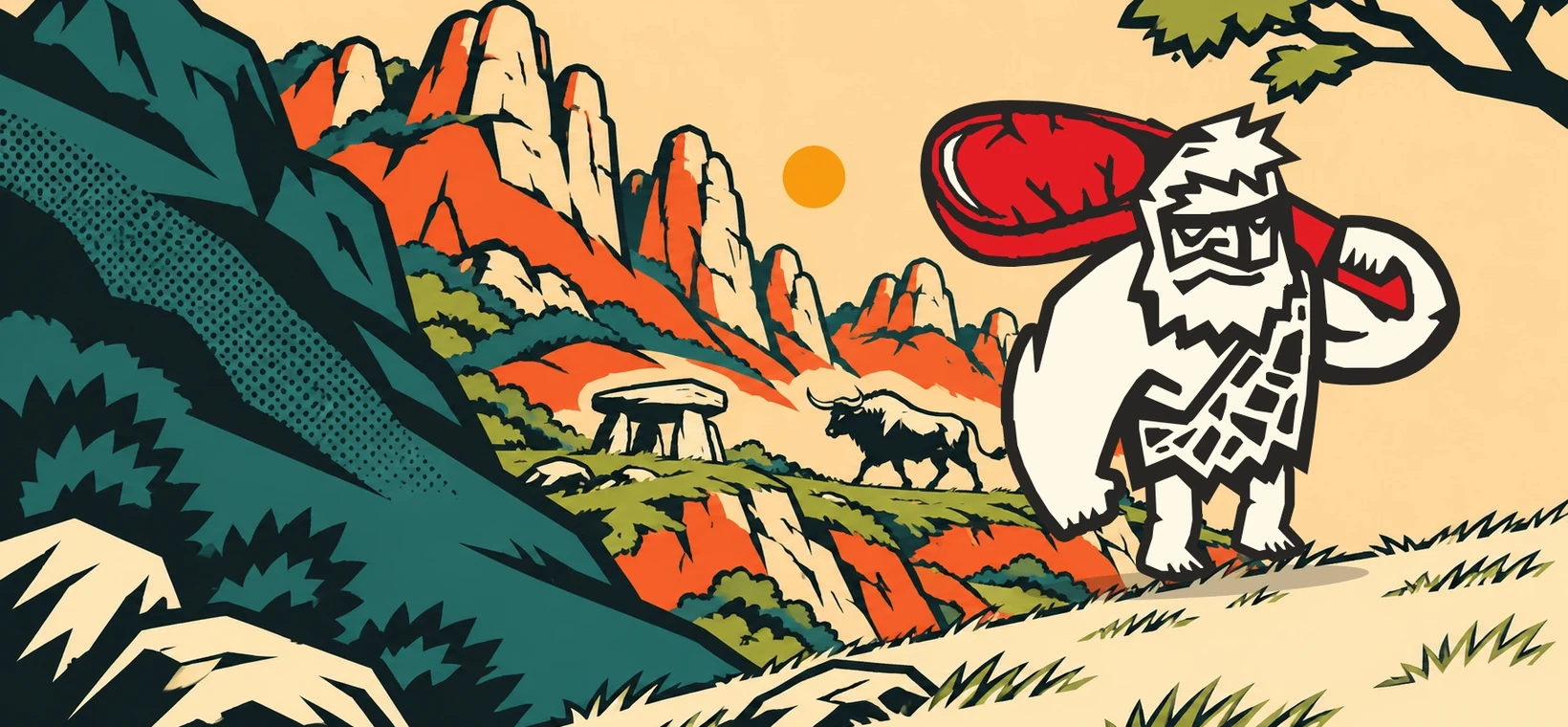
A leg of meat over your shoulder, nine missing children and a hundred stages to the gates of the volcano.
Nara’s nine stones
Each night, the Caveman’s nine children played their stones on Nara’s drum. Then Ghor, the basalt guardian, split the earth beneath their campfire. Follow the children’s tracks and rescue one every ten stages. You’ll need all nine voices to free the princess in stage 100.
Leap across the valley
Aurochs steaks restore hearts. If you run out of lives, you start again at the beginning of that stage.
Ride an aurochs
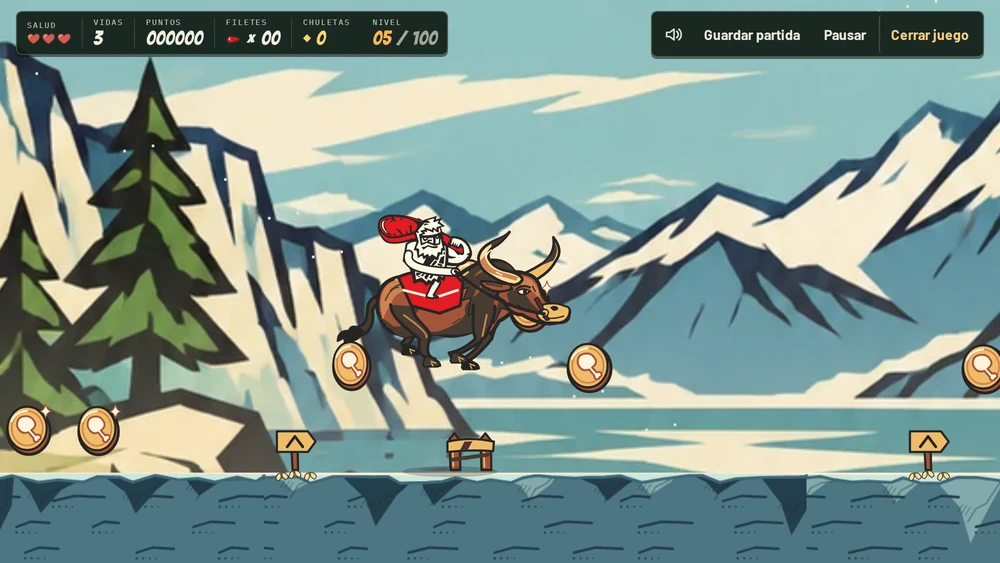
In stages 5, 15 and every ten stages up to 95, the aurochs gallops on its own. Time your jumps to clear the fences and collect gold.
Visit the butcher’s counter
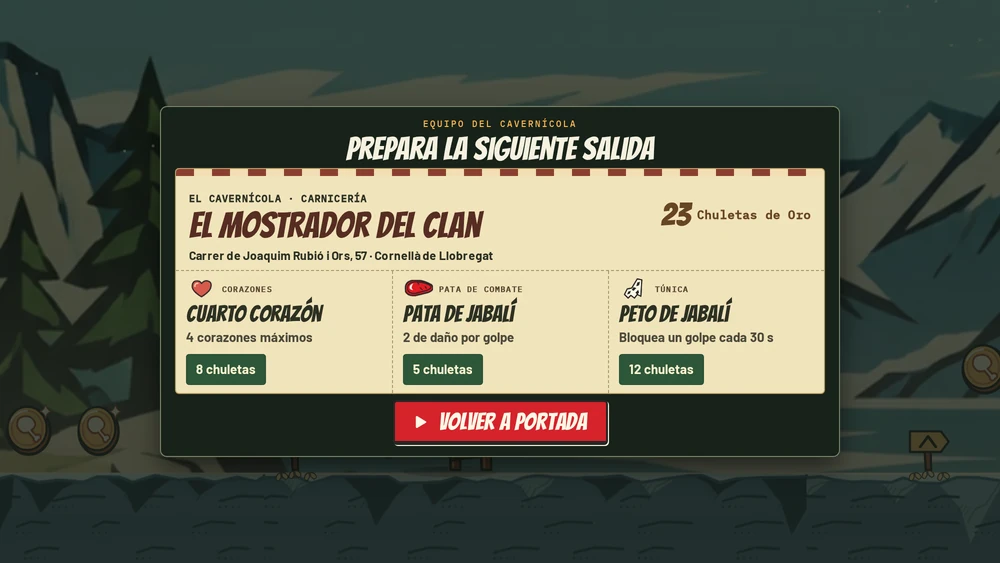
The butcher’s shop on Rubió i Ors in Cornellà has its own counter in the game. Between stages, trade golden chops for extra hearts, a heavier cut of meat or a sturdier tunic.
The closed Android test
The closed Android test is live in Spain. Use the same Google account to join the group, accept the invitation and install the game.
Send feedback to JordiJoin the testers’ group
Open the game’s Google Group using the account you use in Google Play. Request to join and wait for a group administrator to approve your membership.
Request to join the groupOpt in on Google Play
Once the group approves your request, open the invitation with the same account and accept it to become a tester.
Accept the Google Play invitationInstall the game on your phone
Follow the link in the invitation to the game’s Play Store listing and tap “Install”. If the option is missing, check your active Google account and that you’ve opted in.
Open the game in the Play Store